|
|
eCourts Portal of Western Australia - Help: Lodge a document on an existing matter |
|
|
|

There are two methods to lodge a document on an existing matter. The appropriate method will depend on the court/tribunal, the type of matter and/or the type of document you need to lodge.
These lodgment methods are outlined below. If you need more information regarding a specific document type, refer to the website for the relevant court or tribunal.
OPTION 1 - My Matters
- Log in to your eCourts Portal account
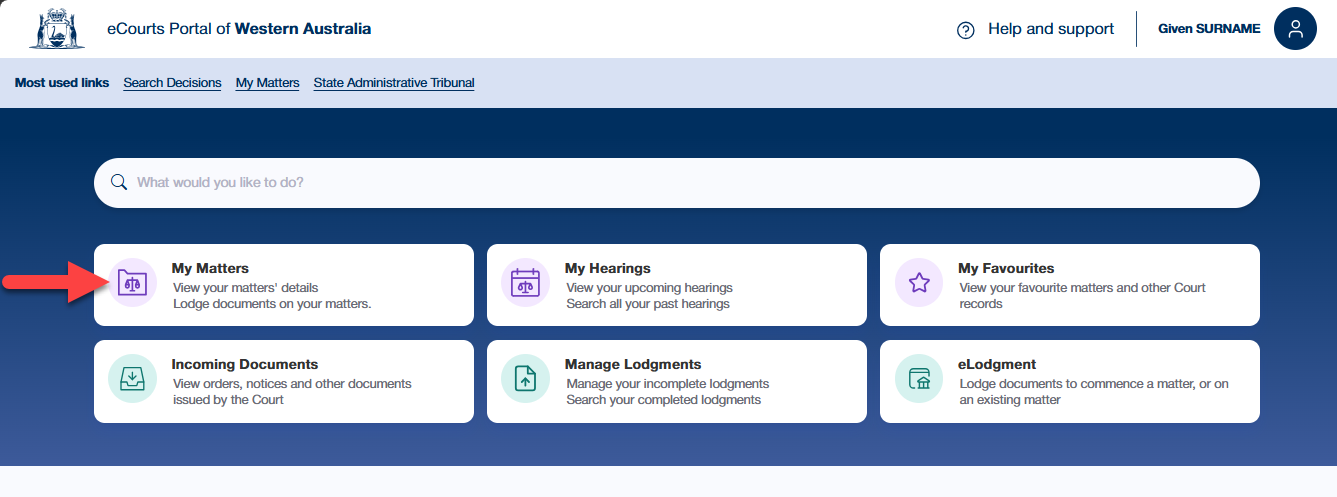
- On the home page, select the My Matters link
The My Matters page displays your matters that are not completed. 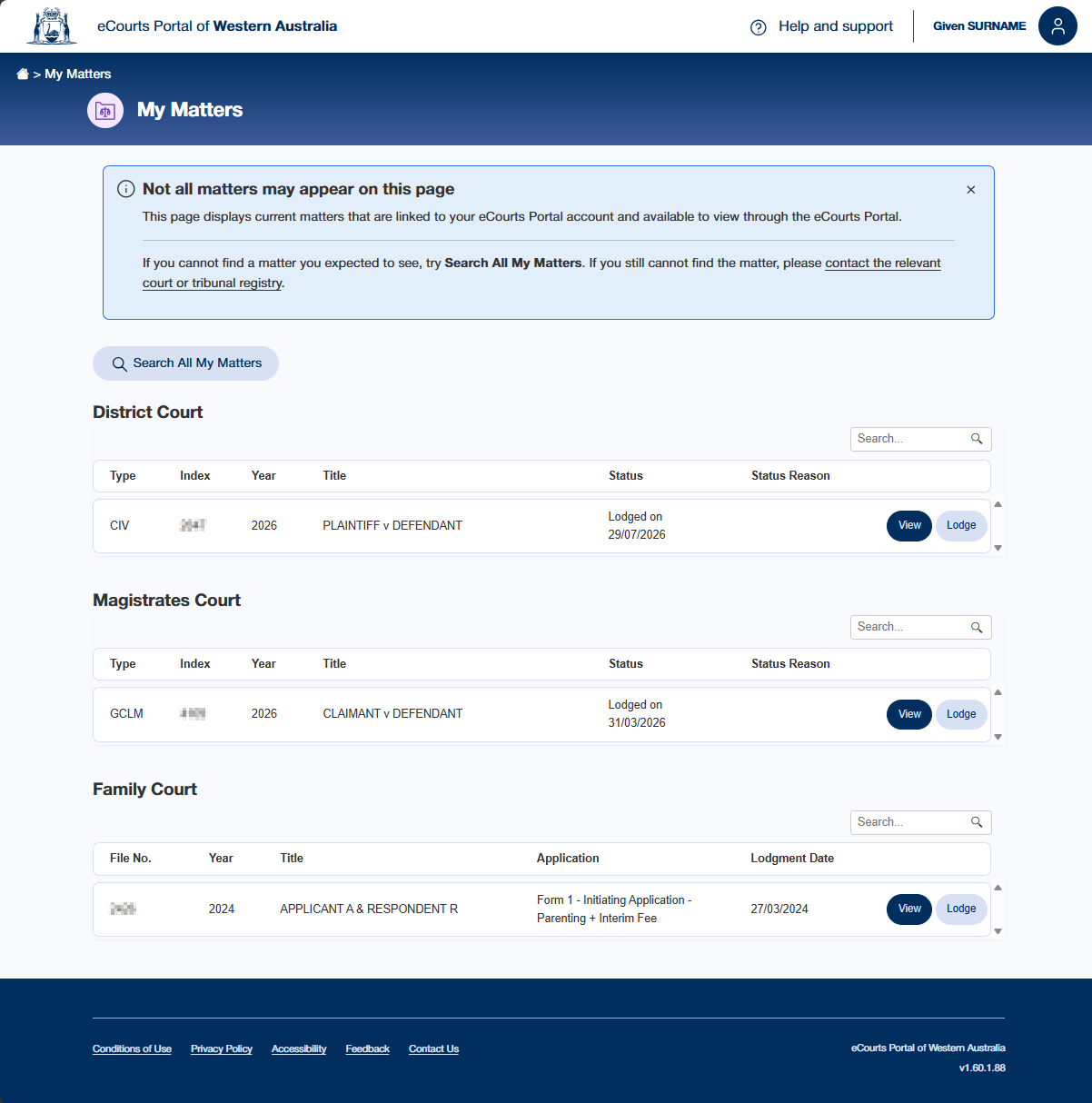
- Locate the relevant matter
If you cannot find the relevant matter, some possible reasons include:
- The matter is completed - select Search All My Matters and search for the matter via the matter number or party name.
- Your eCourts Portal account is not linked to the matter - contact the relevant court or tribunal registry for assistance.
- That type of matter is not viewable on the My Matters page. The document cannot be lodged via this method.
- Select the Lodge button for the matter

OPTION 2 - eLodgment
- Log in to your eCourts Portal account
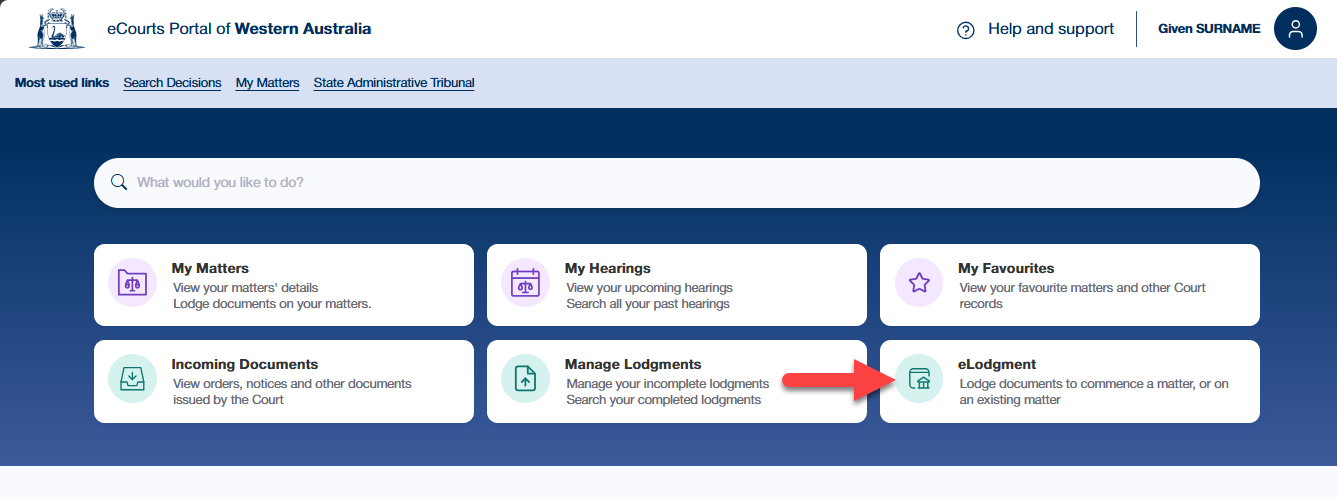
- On the home page, select the eLodgment link
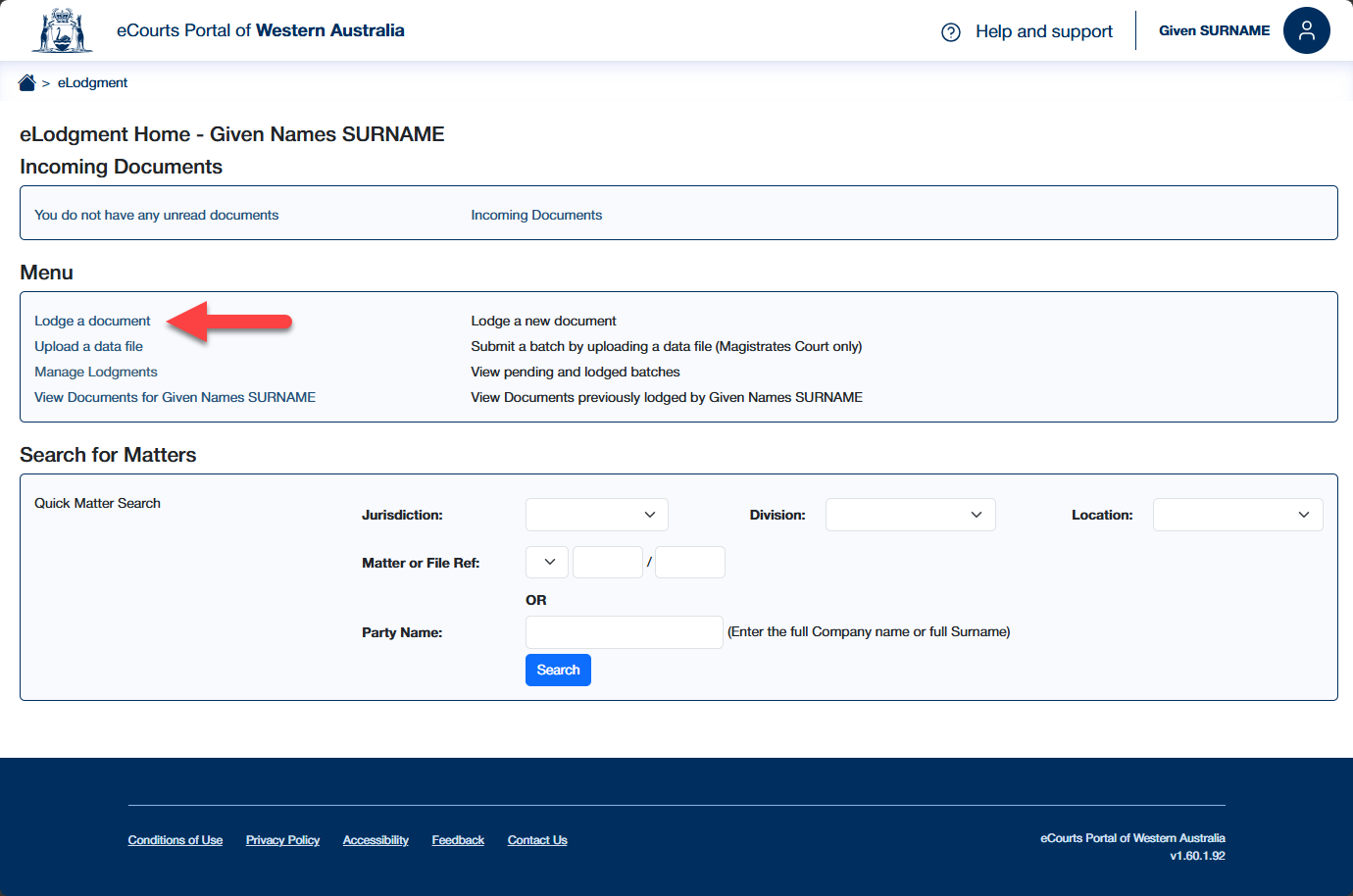
- Select Lodge a document